For Professionals
Collection management for breeders
Run a breeding operation, not a spreadsheet. Scutely handles large collections with bulk logging, QR-labeled racks, printable cards and labels, and tools that keep an animal's history with it for life.
Built for collections with hundreds of animals
Scutely stays fast and organized as your collection grows. Group animals by rack, room, or feeding schedule, filter and search across everything, and bulk-log the care that happens to multiple animals at once.
- Care groups that mirror your racks and rooms
- Bulk event logging across many animals at once
- Fast filtering and search across the whole collection
- Quarantine tracking with visible flags for new arrivals
- Collection defaults so new animals inherit species, enclosure, and feeder settings
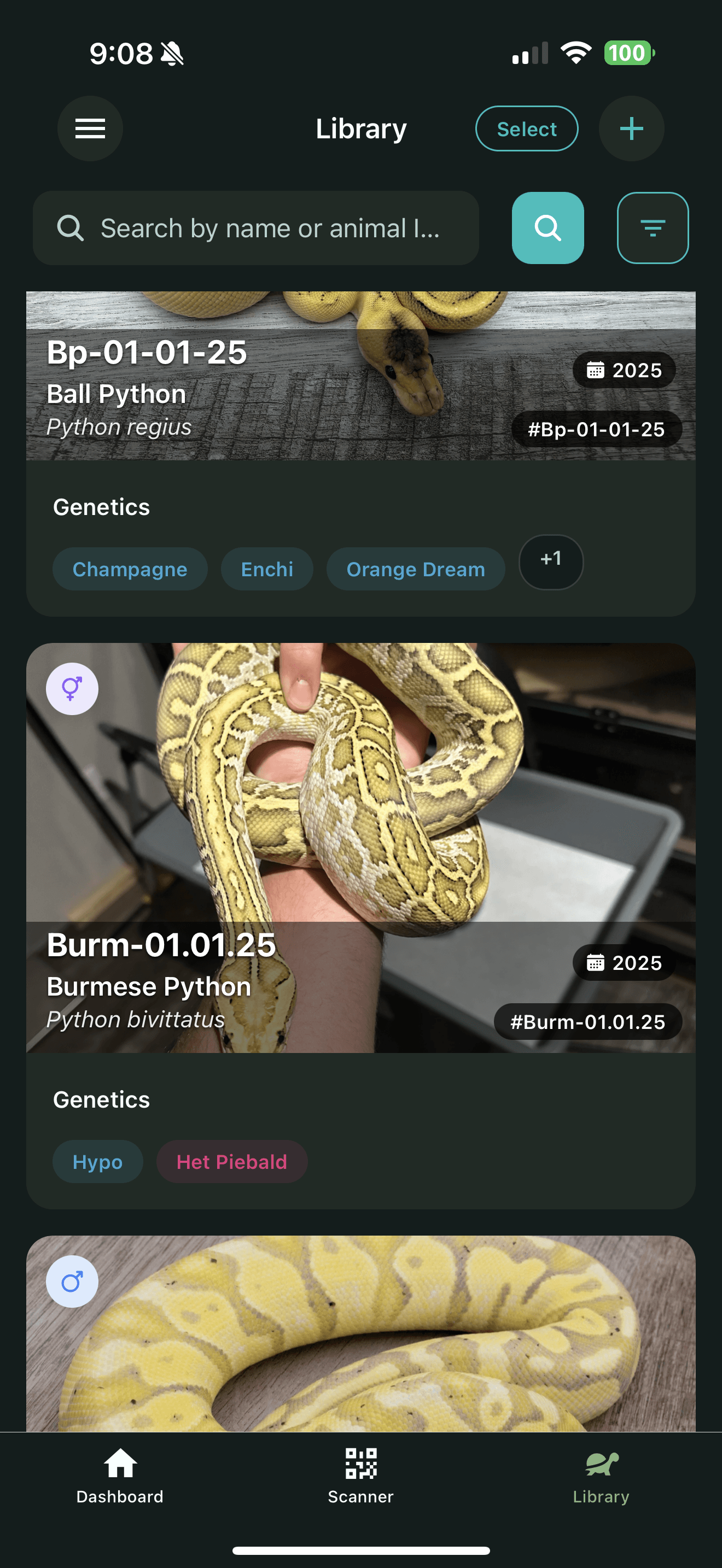
Expo tables, store displays, and labels
Print professional cards and labels straight from the app: show cards with traits and pricing for expo tables, QR stickers for tubs, and thermal labels for shipping. Set a price and the For Sale badge follows the animal through your collection.
- Show cards and store cards with species, traits, sex, price, and a QR code
- Bulk print onto Avery label sheets, each card with its own price
- Thermal label printing for Rollo, Zebra, and other wireless label printers
- QR stickers in 1 inch, 1.5 inch, and 2 inch sizes for tubs and enclosures
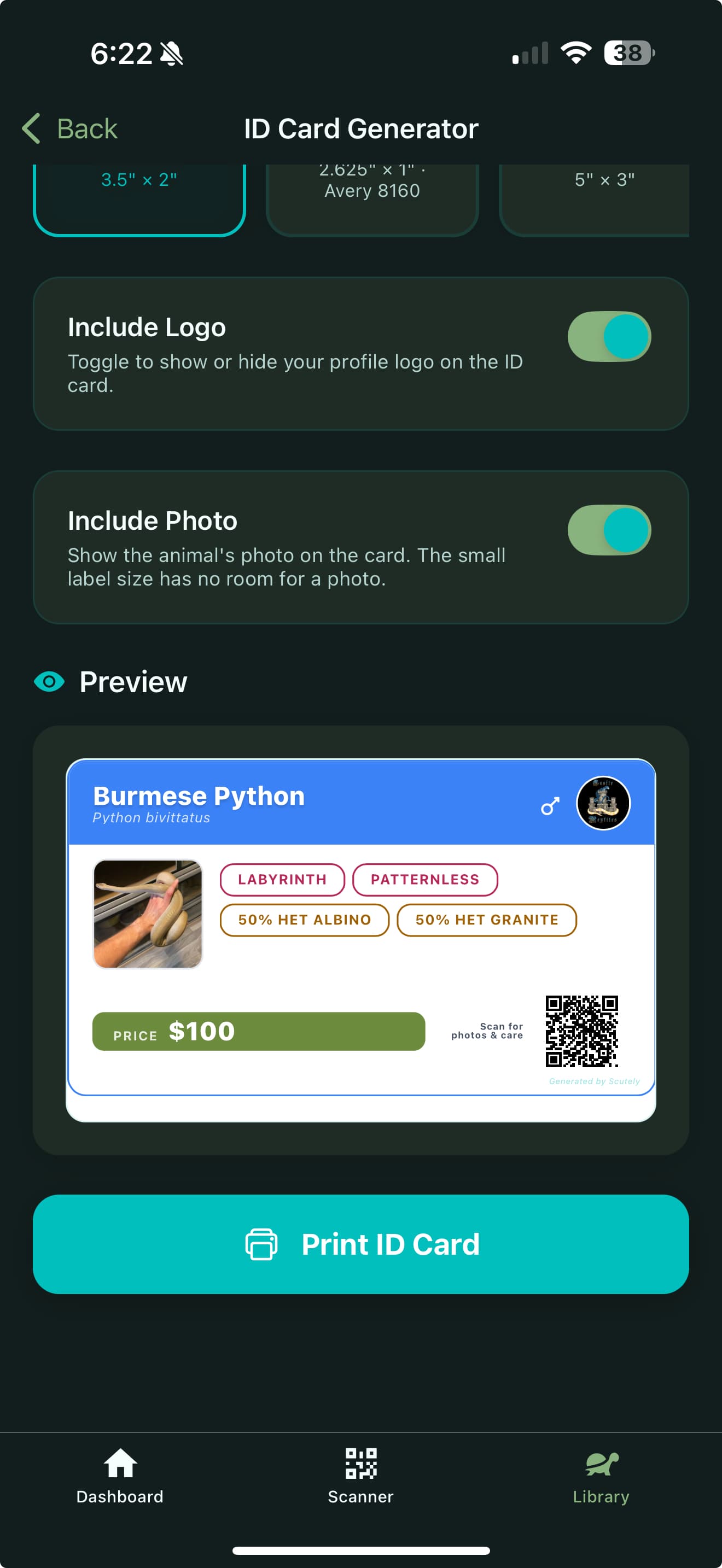
Sales, transfers, and public pages
Every animal can have a public page showing its photos, traits, and full lineage, with no app needed to view it. When it sells, transfer the animal to the buyer's account and its entire history goes with it.
- Public animal pages for sales listings, with lineage and trait details
- You control exactly which details are public, per animal
- Ownership transfers by username or email, with sale price and notes
- The animal's full care and breeding history stays intact after transfer
- Animal loans for breeding projects, with care visibility while on loan
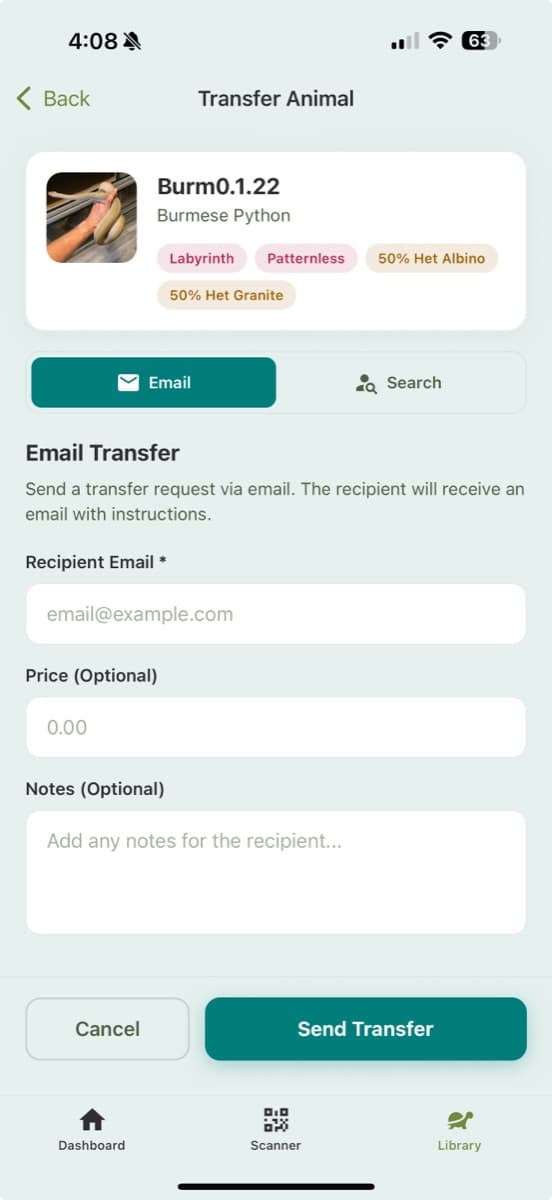
Your records, portable
Your data is yours. Export collection records for your own spreadsheets or listings, and generate reports on any animal's complete history when a buyer or vet asks.
- Collection export for external records and listings
- Complete per-animal history reports
- Web app access for desktop record-keeping sessions
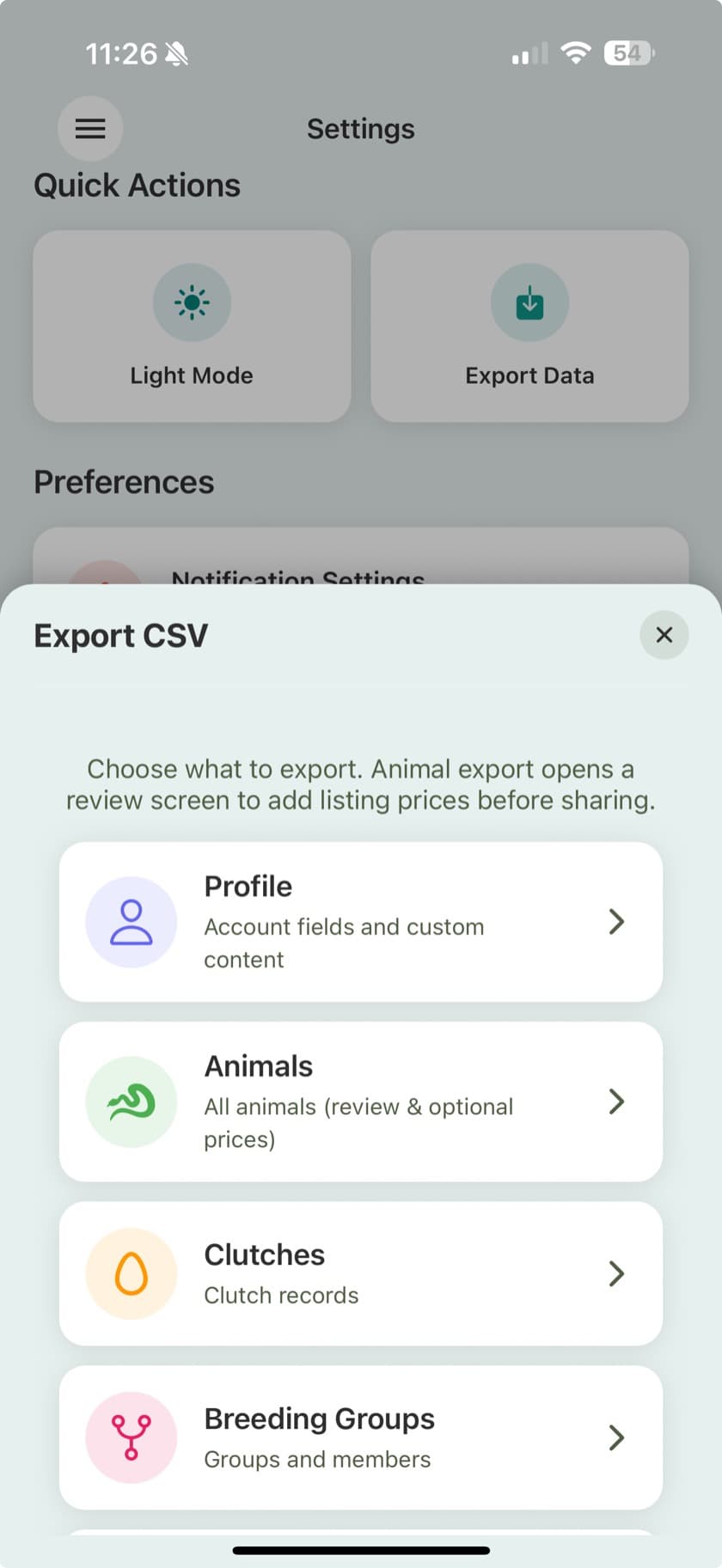
Dig into the details
The Scutely documentation walks through every screen and workflow mentioned on this page.
Frequently Asked Questions
How many animals can Scutely handle?
The Pro plan supports collections in the hundreds or thousands, and the app is built to stay fast at that scale. Care groups, bulk logging, and QR scanning are all designed around working through large collections quickly.
Can I print labels for my racks and tubs?
Yes. Scutely generates QR stickers, info labels, and sale labels in standard sizes, prints in bulk onto Avery sheets, and supports thermal label printers like Rollo and Zebra over AirPrint.
What happens to an animal's records when I sell it?
If the buyer uses Scutely, you transfer the animal to their account and its full history, lineage, and traits go with it. That history stays intact for every future owner.
Can buyers see an animal before they buy?
Yes. Any animal can have a public web page with photos, traits, and lineage that you can link from marketplace listings or social media. Viewers do not need the app, and you choose what is visible.
Is there a desktop version for office work?
Yes. The Scutely web app covers your collection, care logging, and breeding from a browser, and syncs with the iOS and Android apps automatically.
Keep exploring
Move the operation off spreadsheets
Import your collection, set up your racks as care groups, and see what a season feels like with real records. Free to start.
Download Free